Typography in a design sketch often feels like an afterthought. It’s usually either a flat outline or a solid block of marker. When you’re sketching a transition—like moving from 2025 to 2026—the numbers need to carry weight and intent.
The struggle of hatching across geometric forms
Numbers are difficult because they combine tight curves with harsh straight lines. If you try to manually hatch a "2" or a "5," your spacing almost always drifts. The eye is incredibly sensitive to inconsistent gaps in a pattern.
When the hatching is uneven, the number looks vibrating and messy rather than solid. You end up spending more time trying to fix the lines than actually designing the layout.
Differentiating years with Crosshatch and Diagonal Lines
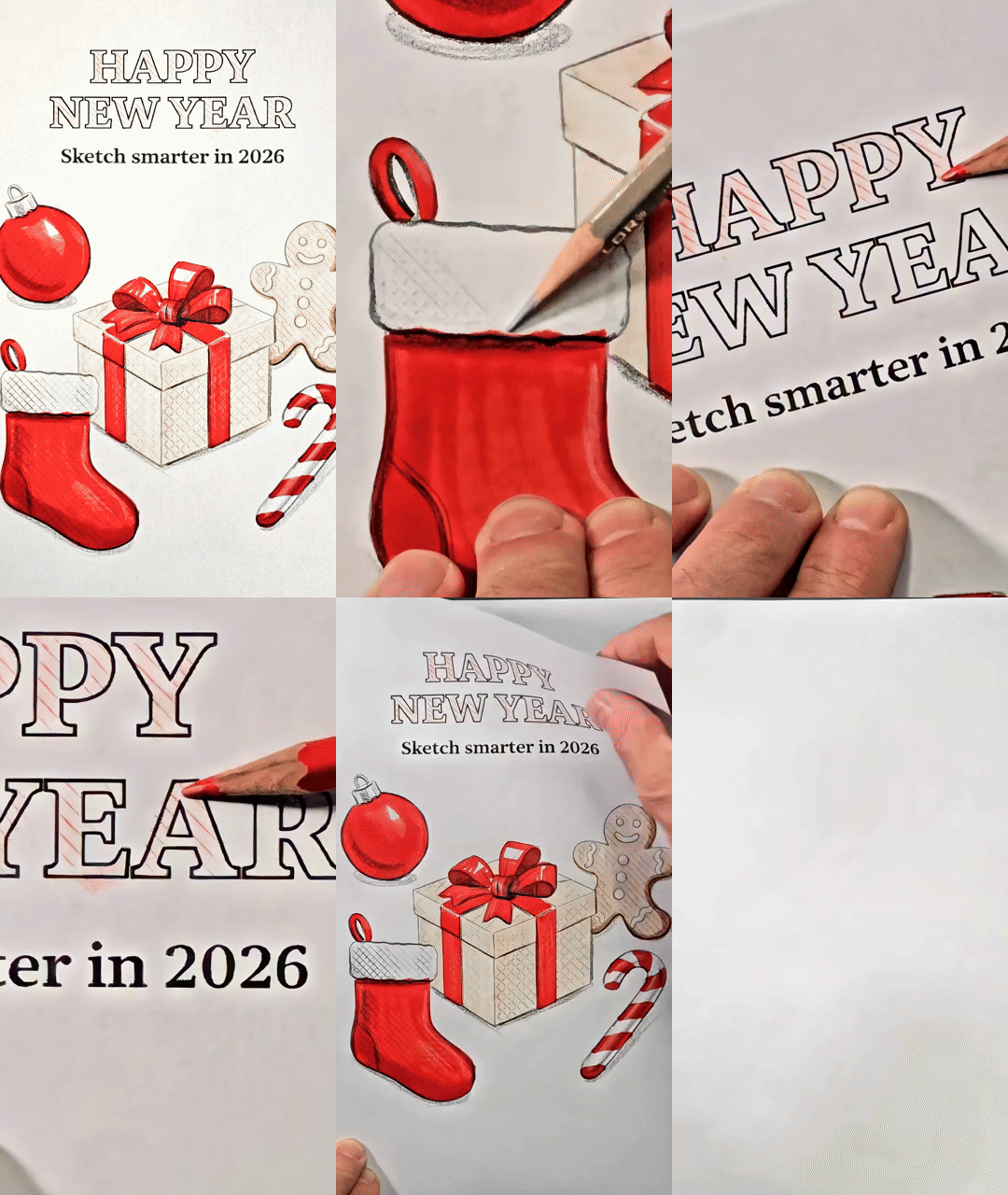
The strategy here is to use texture as a way to separate the past from the future. By placing the Crosshatch tile under the "2025" and the Diagonal Lines tile under the "2026," you create an immediate visual distinction.
The Crosshatch provides a denser, more "filled" look for the year we are leaving behind. The Diagonal Lines offer a cleaner, more directional feel for the year ahead. You aren't just drawing numbers; you are assigning them different physical properties.
Texture as a substitute for value
In this sketch, the texture does the work that a grey marker usually does. Instead of layering ink to create depth, the density of the pattern provides the "value."
This keeps the sketch light and crisp. It allows the paper to breathe. When you use a physical stencil, the lines remain perfectly parallel regardless of the shape of the number you are tracing. Consistency is what makes the graphic look professional.
Where to use this
• Machined aluminum surfaces on hardware
• Grip patterns for handheld electronics
• Directional brushed metal finishes
• Knurled knobs on audio equipment
• Solar panel arrays in architectural renderings
• Anywhere a repeated pattern defines the material.
Try this in your next sketch
What happens to the hierarchy of your page if you use texture to define your primary subject instead of bold outlines?
What are SketchTiles
SketchTiles are physical texture stencils built for designers, by designers. Place a tile under your page, trace with any pencil or marker, and the pattern transfers onto your sketch. Each set includes four double-sided tiles, etched with eight precise patterns: Diagonal Lines, Crosshatch, Isometric Dot Grid, and Hexagonal Grid.
SketchTiles are available as The Essentials Set and the Essentials Complete Set. Shop on Amazon.




Comments